
Tap to Pay on iPhone is now available with Fergus Go, and is powered by Stripe. That means anyone can accept all types of in-person, contactless payments. From physical debit and credit cards, to Apple Pay and other digital wallets.
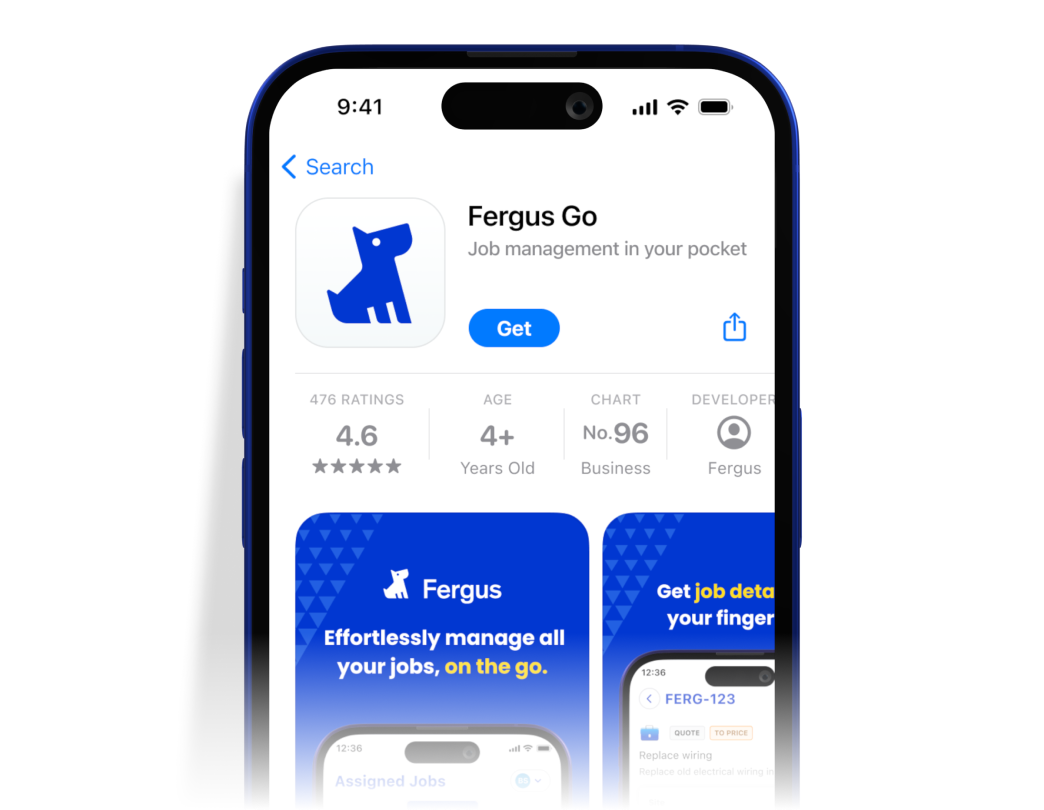
It’s easy, secure, and no additional hardware is needed. All you need is your iPhone, Fergus Pay, and the Fergus Go app.
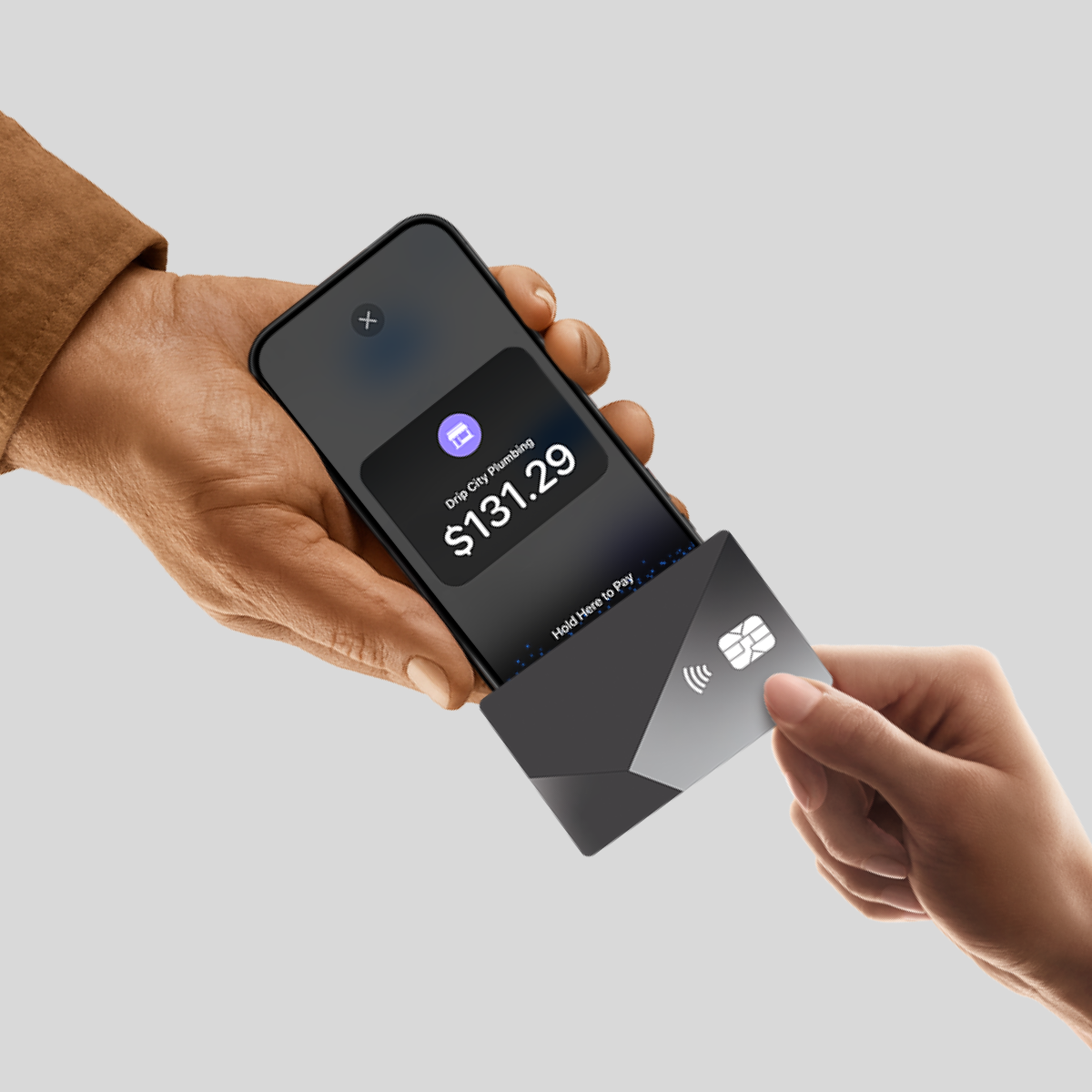
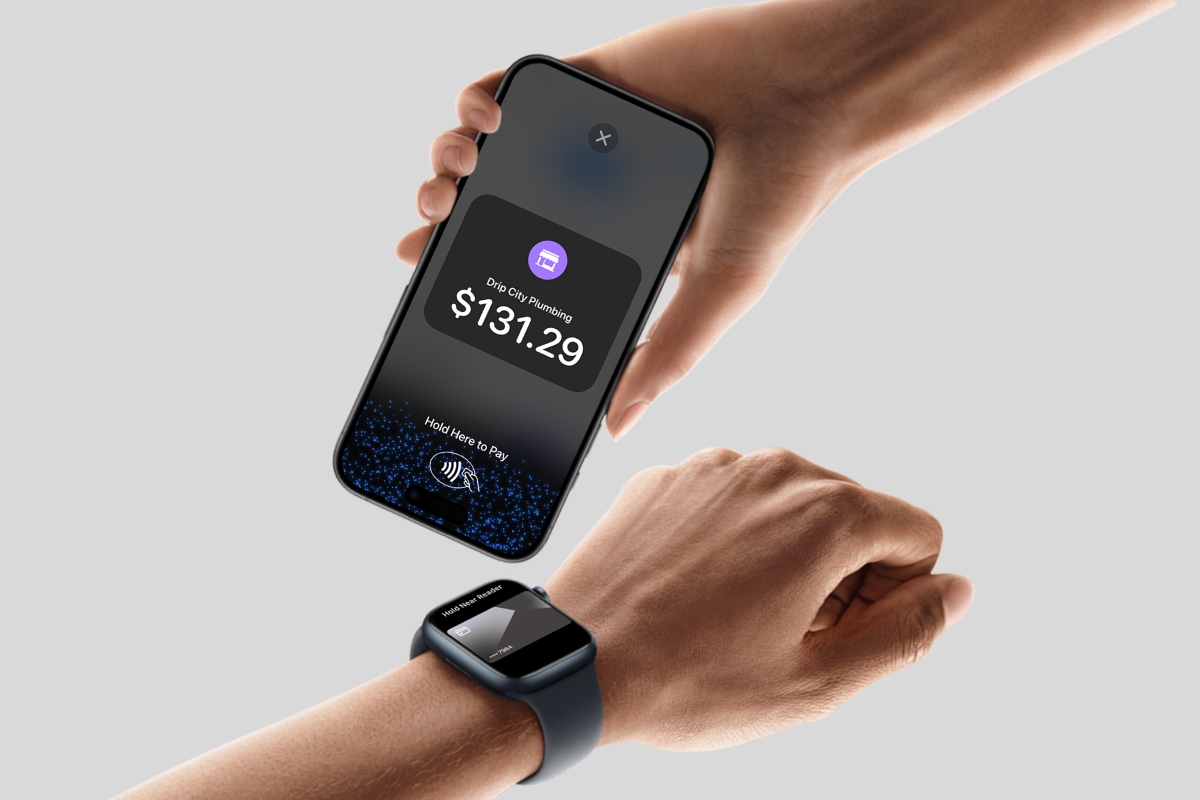
With Tap to Pay on iPhone, do business in more places, by accepting contactless payments right on your iPhone. The checkout experience makes it easy to reach new customers, take payments on the go, and explore new setups. All you need is your iPhone, a Stripe account and the Fergus Go app.
There’s no need to invest in card readers and terminals. Tap to Pay on iPhone makes it simple to start a new business or expand a current one. With just an iPhone and the Fergus Go app, anyone can accept contactless payments. It’s that simple.
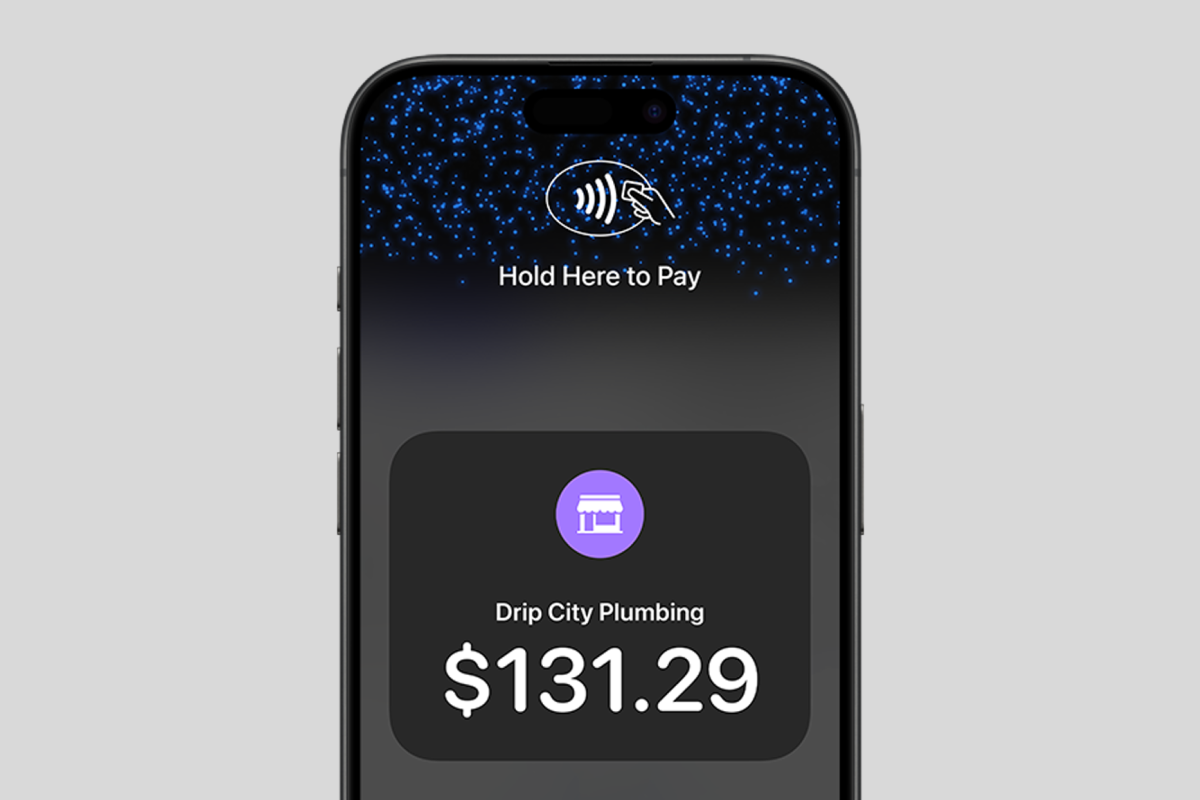
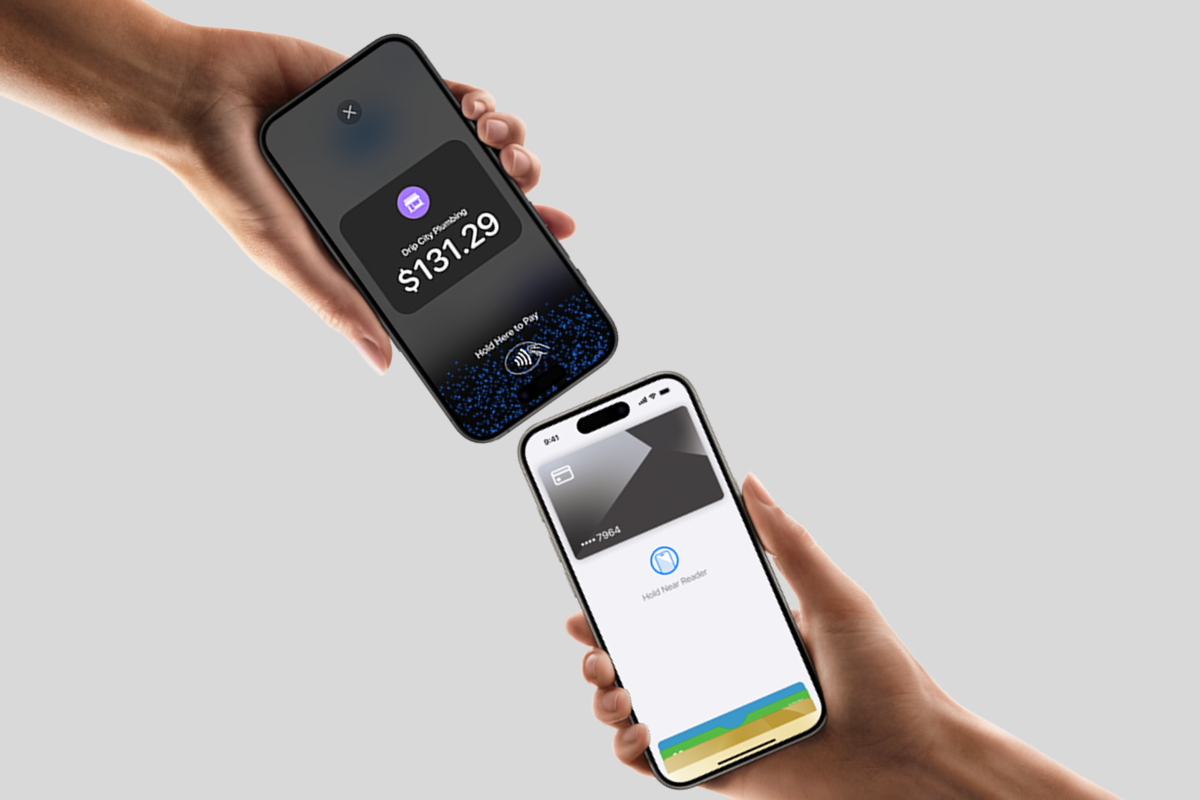
Tap to Pay on iPhone uses the built-in security and privacy features of iPhone. When a payment is processed, Apple doesn’t store card numbers or PIN information on Apple’s servers — helping to protect your business and customers. So merchants and customers can rest assured that their data stays theirs.
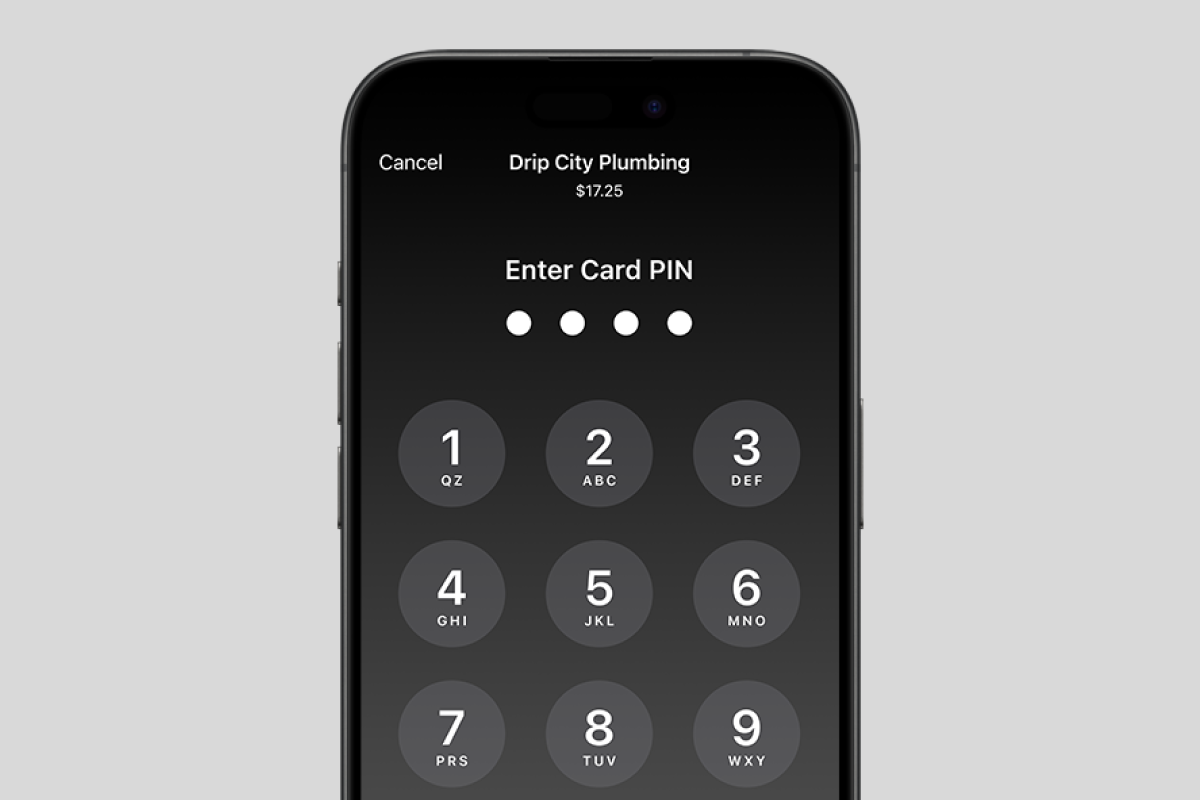
Transactions that require PIN entry will automatically prompt a PIN entry screen when using Tap to Pay on iPhone. During a transaction, Tap to Pay on iPhone is designed to retain all photo, video, screenshot, and screen recording features on the merchant’s iPhone from capturing a customer’s card number or PIN information.

There are no setup or monthly costs when using Fergus Pay. However, there is a Stripe fee charged by Fergus once your customer makes payment. The fees vary per region an can be found here
Processing fees are a small percentage charged on card transactions, this applies no matter which provider you use. It’s standard across all card payments, you may just not notice it in your day-to-day life because most businesses choose to absorb the fee to offer a smoother experience for their customers.
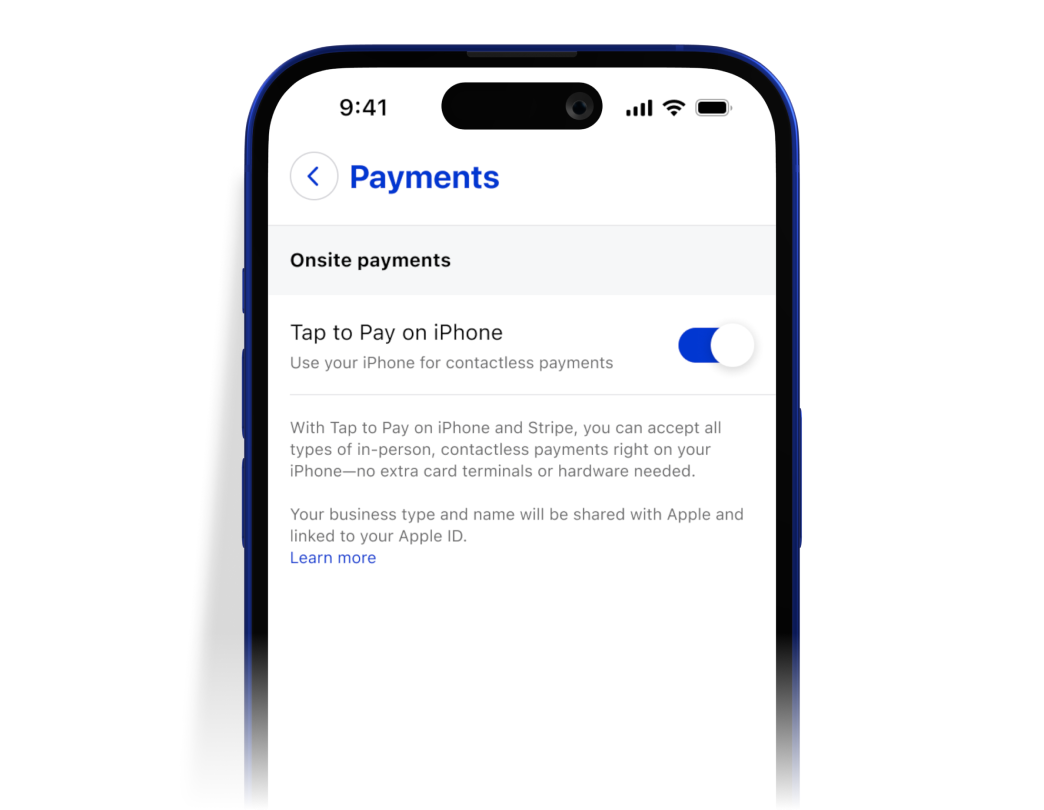
You’ll need a Fergus Pay account and the Fergus Go app on your iPhone. Tap to Pay on iPhone also requires your location settings to be switched on in your mobile phone. Please turn on your location settings by visiting your phone settings. For more information on how to Tap to Pay on iPhone works, view the help centre article here
It's quick and easy to take a payment on your iPhone with Tap to Pay on iPhone and the Fergus go app.
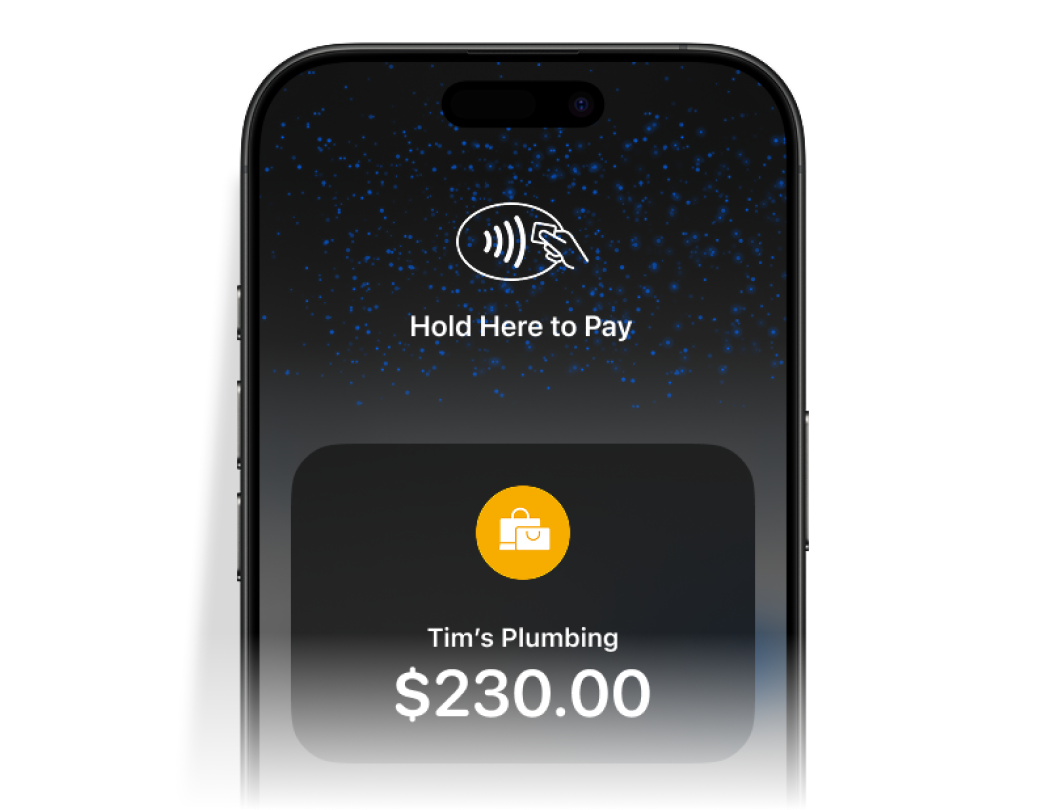
1. Open the Fergus Go app on your iPhone, and navigate to the job you want to invoice, create your invoice and select to pay with "Tap to Pay on iPhone".
2. Present your iPhone to the customer.
3. Your customer holds their card horizontally at the top of your iPhone, over the contactless symbol for a few
seconds.
4. When you see the Done tick, the card read is complete and the transaction is being processed.
Terms: Tap to Pay on iPhone requires a supported payment app and the latest version of iOS. Update to the latest
version by going to Settings > General > Software Update. Tap Download and Install. Some contactless cards
may not be accepted by your payment app. Transaction limits may apply. The Contactless Symbol is a trademark
owned by and used with permission of EMVCo, LLC. Tap to Pay on iPhone is not available in all markets. For Tap
to Pay on iPhone countries and regions, see https://developer.apple.com/tap-to-pay/regions/.