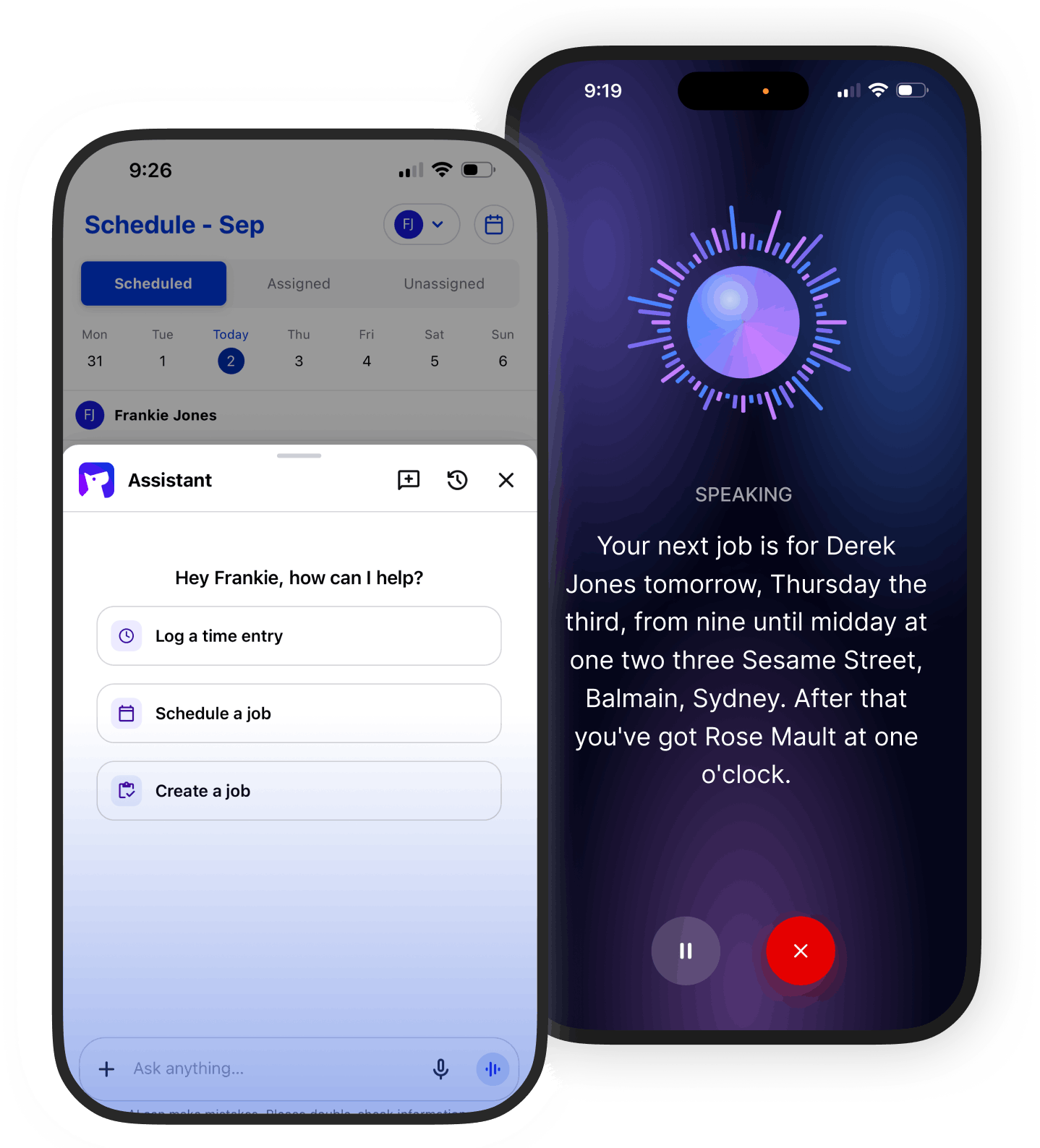
Check job details, log time and capture updates by voice or text. The jobs stay up to date as you go before it’s forgotten or buried in a message.
Try Fergus for free. No credit card required.
Run your business speaking to Fergus
Check what you need before you arrive, capture the work while it’s fresh and leave and leave the job up to date before you move on.
Speak your way through the day.
Ask for job details, use voice to capture your updates and leave the record sorted before you move on.
Find it without digging.
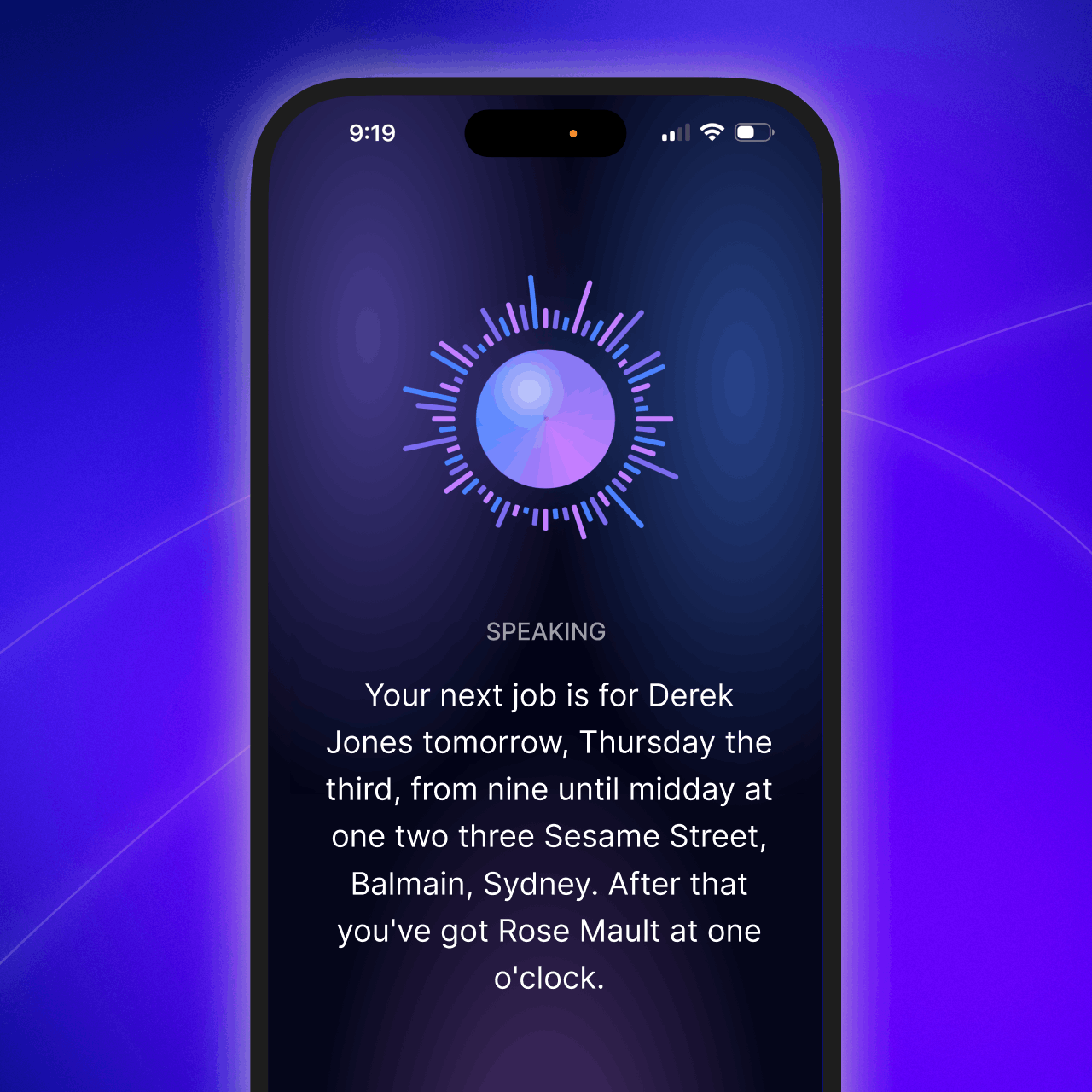
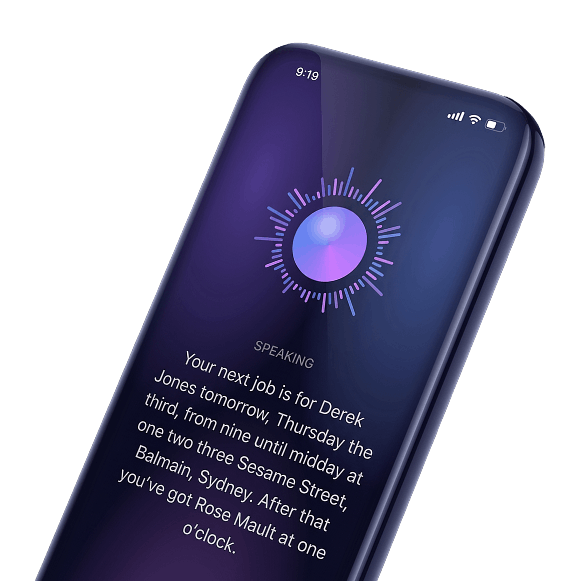
Get your schedule, address, customer details or latest job note without tapping through screens.
Log it without stopping.
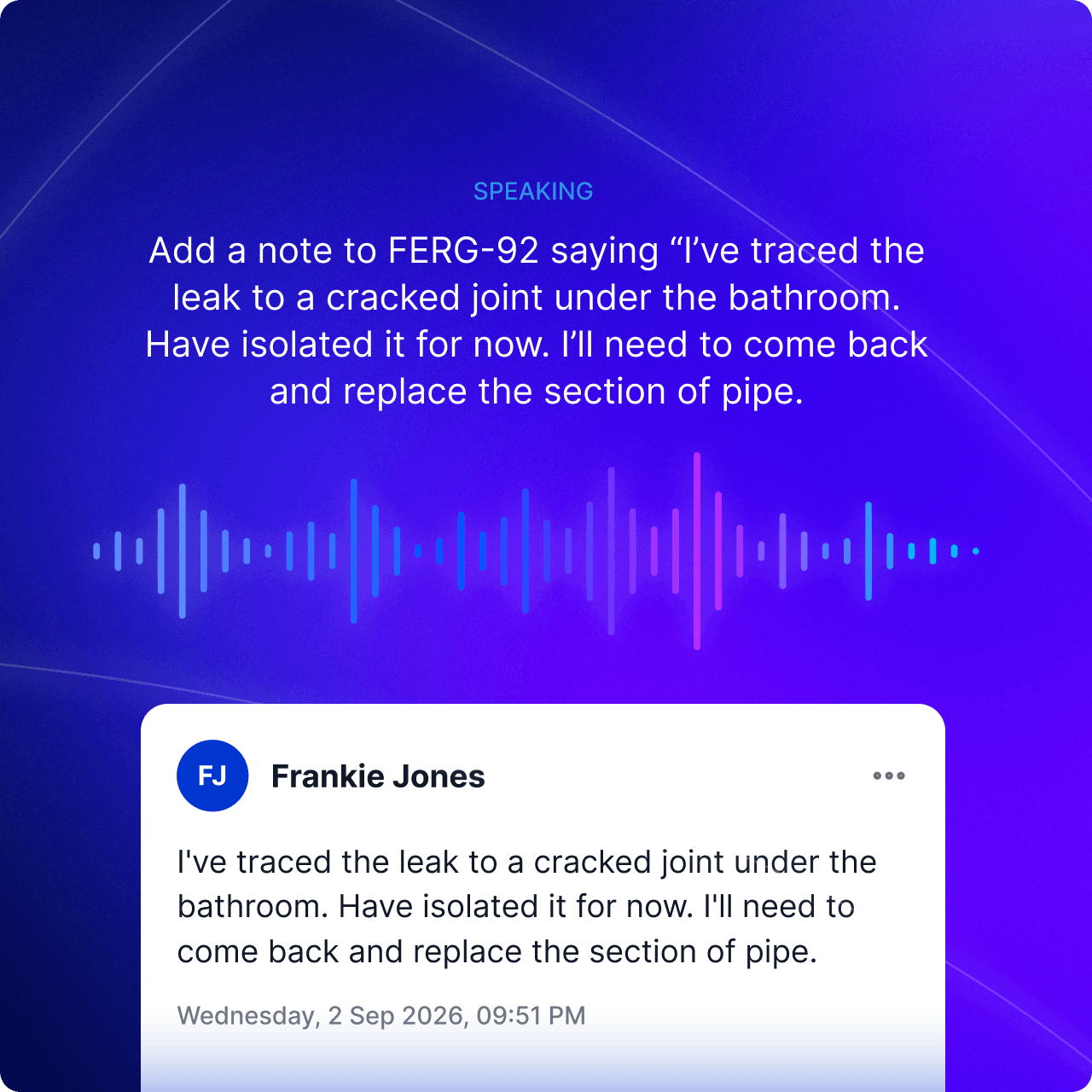
Speak the time, work completed, decisions and next steps while they’re still fresh.
Before, during & after the work
Assistant fits around your jobs, as they happen.
Before A JOB
Start already up to speed.
Before you arrive or once you have pulled up, ask what is on today, where your job is, who the main contact is or what the latest job note says.
Assistant brings back the details available to you without making you tap through screen after screen.
WHILE YOU WORK
Capture details while they’re fresh.
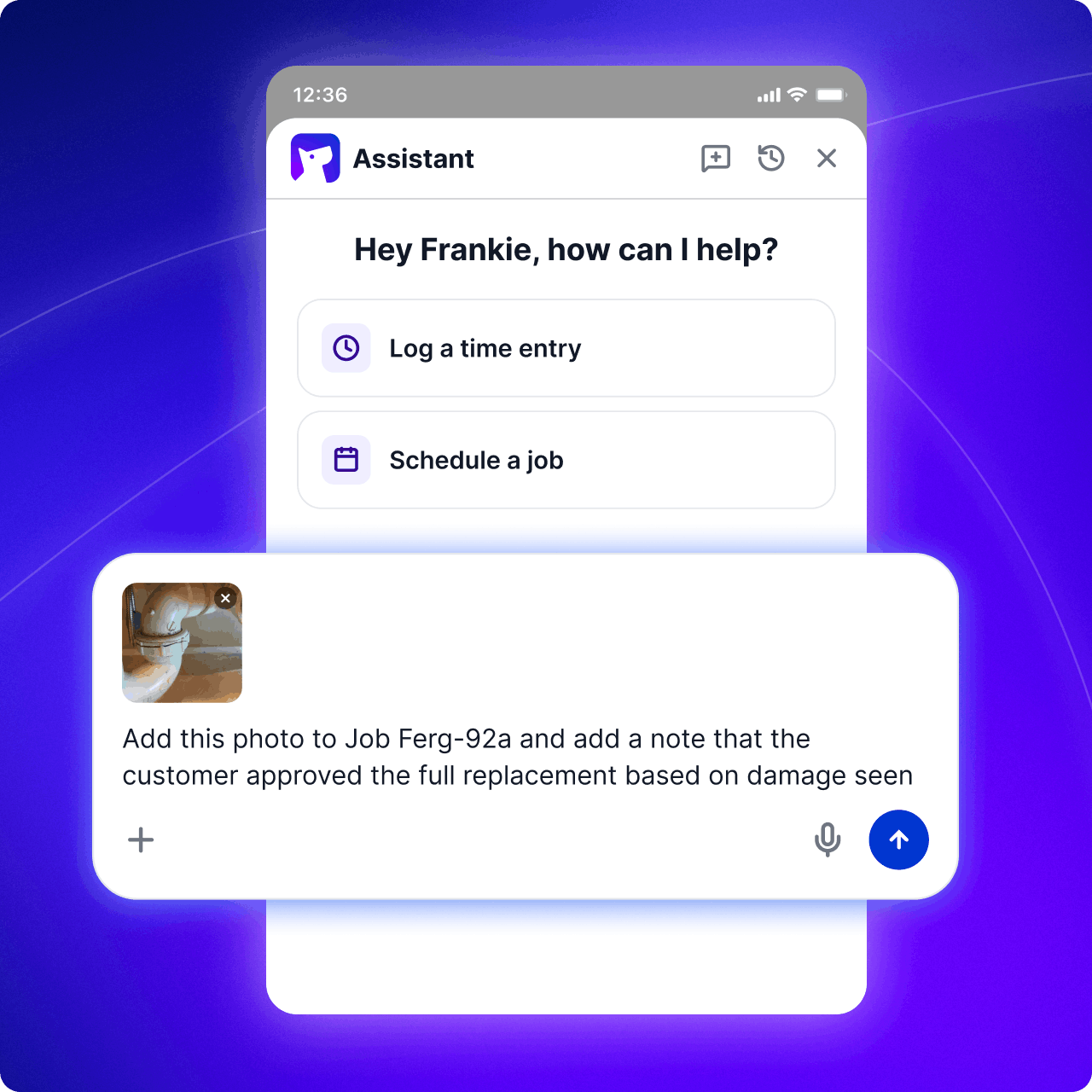
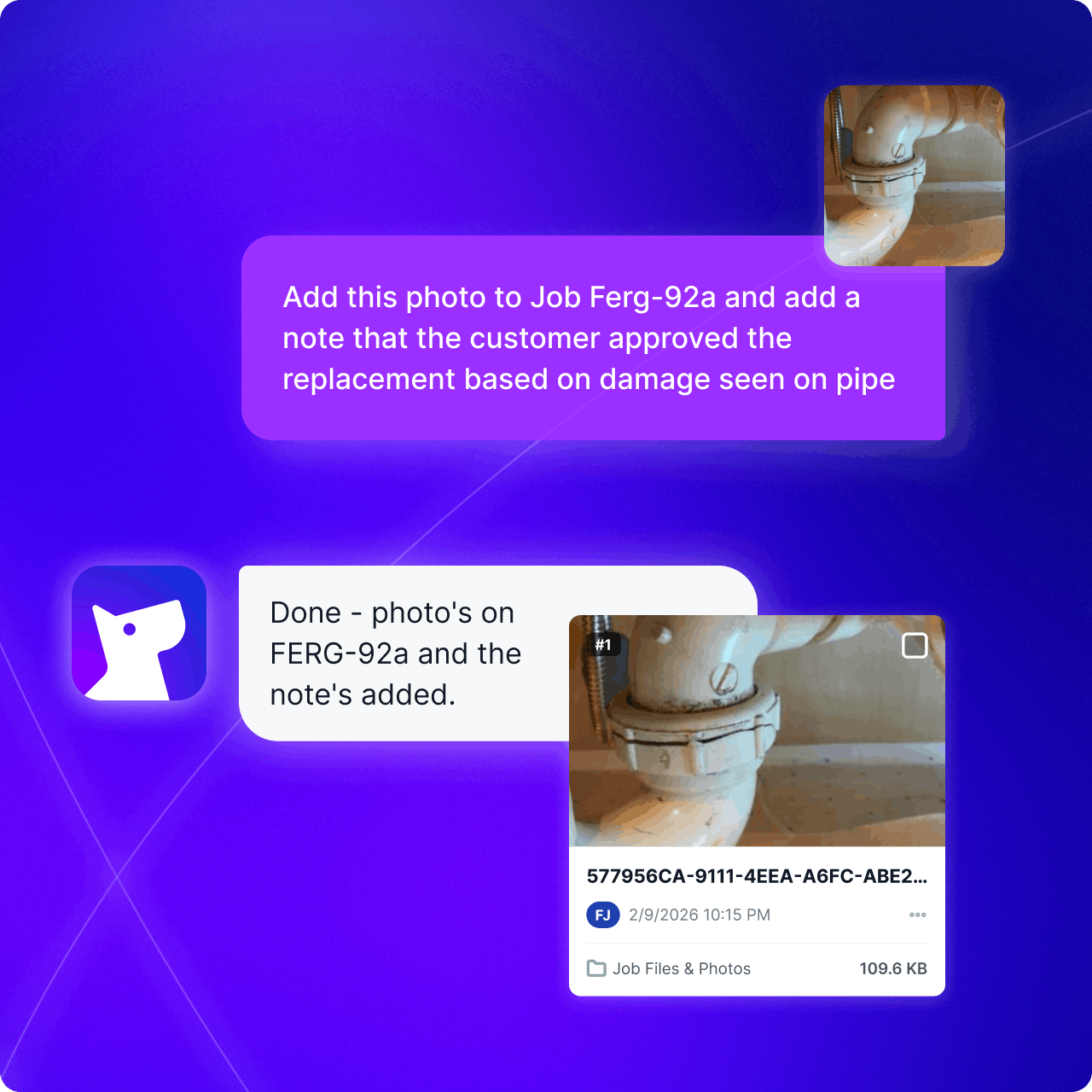
Speak or type what you did, how long it took, what the customer decided and what needs to happen next. Assistant prepares the time entry, job note, task or update for you to check.
Get the details out of your head before the next job takes over.
BEFORE YOU LEAVE
Leave a record you can trust.
Record that a job is ready to invoice, a return visit is needed or something needs following up. Once you confirm, the update lands on the right job, ready whenever you or someone else needs it.
No relying on memory or rebuilding the day when you get home.
NEED AN EXTRA HANd?
Say it or type it.Either way, Fergus is on it.
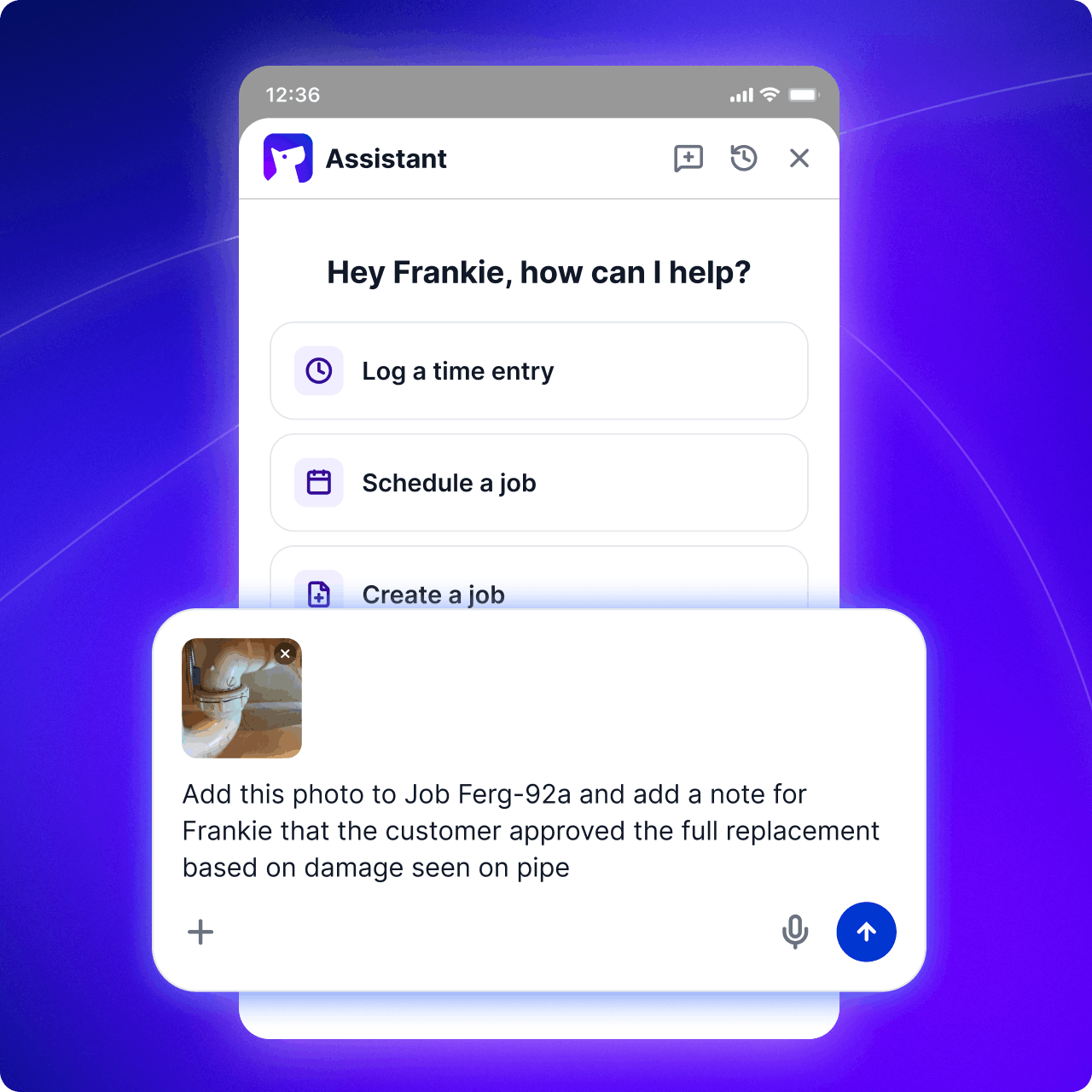
Talk through what happened or type it in. Assistant prepares the time, notes or next steps for you to check and add to the right job.
Finish the job without taking the admin home.
Start with a new job, a schedule change, a supplier quote, an invoice or the report you have been meaning to build.
Free for 14 days. No credit card needed.
Frequently asked questions
No. Speak when your hands are full or type when the site is noisy, the information is private or typing suits you better.
You can find job details, log time and prepare notes, tasks and job updates for review.
No. Assistant works on what you ask and shows you the update before you confirm it.
No. Assistant only takes action when you ask it to. Before it creates, changes or sends anything, it shows you a confirmation step so you can check the details and decide whether to go ahead.
Assistant on Fergus Go is built for work on the move, including finding job details and capturing time, notes, tasks and updates. The heavier work like reporting, lives in Fergus Assistant at the desk.