
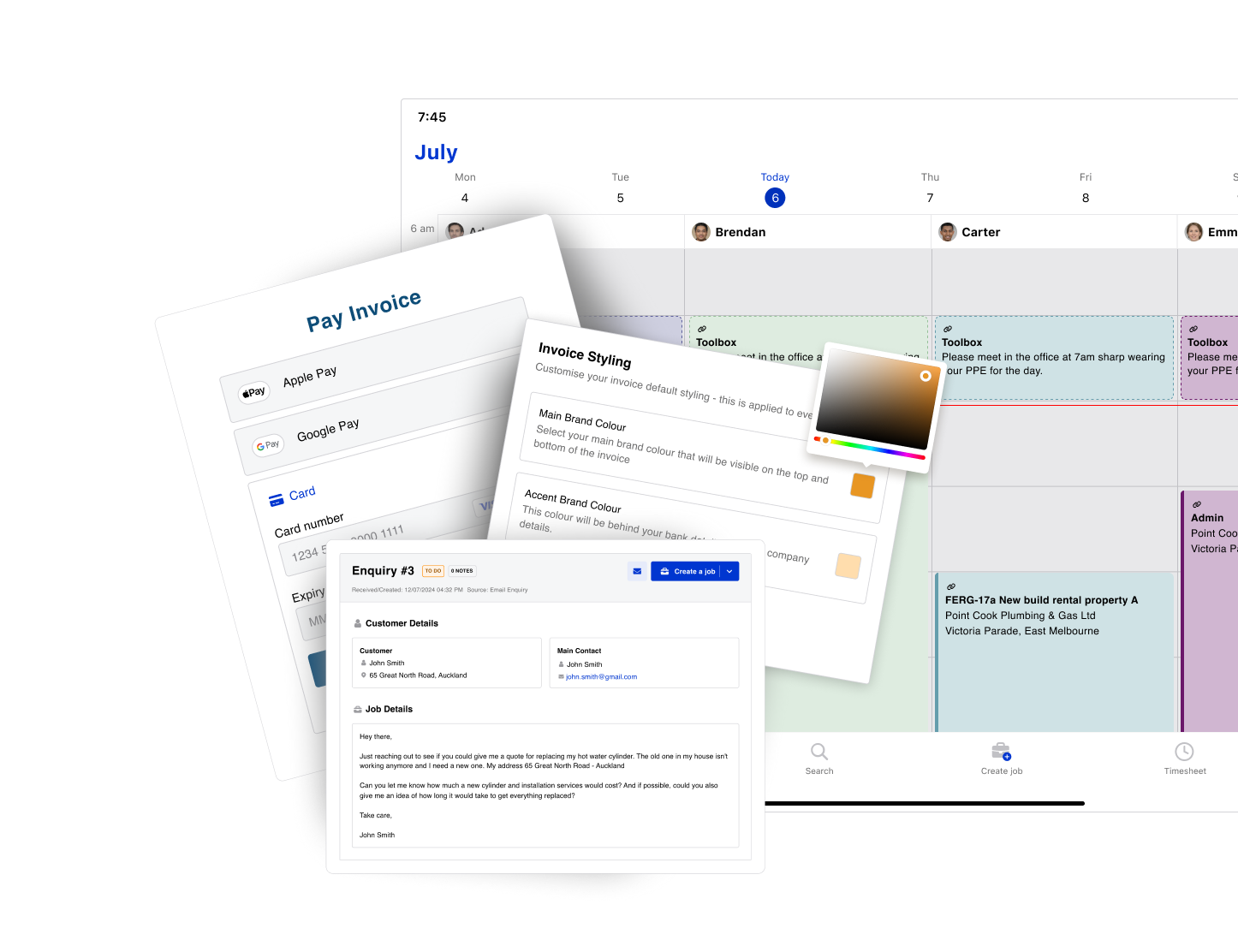
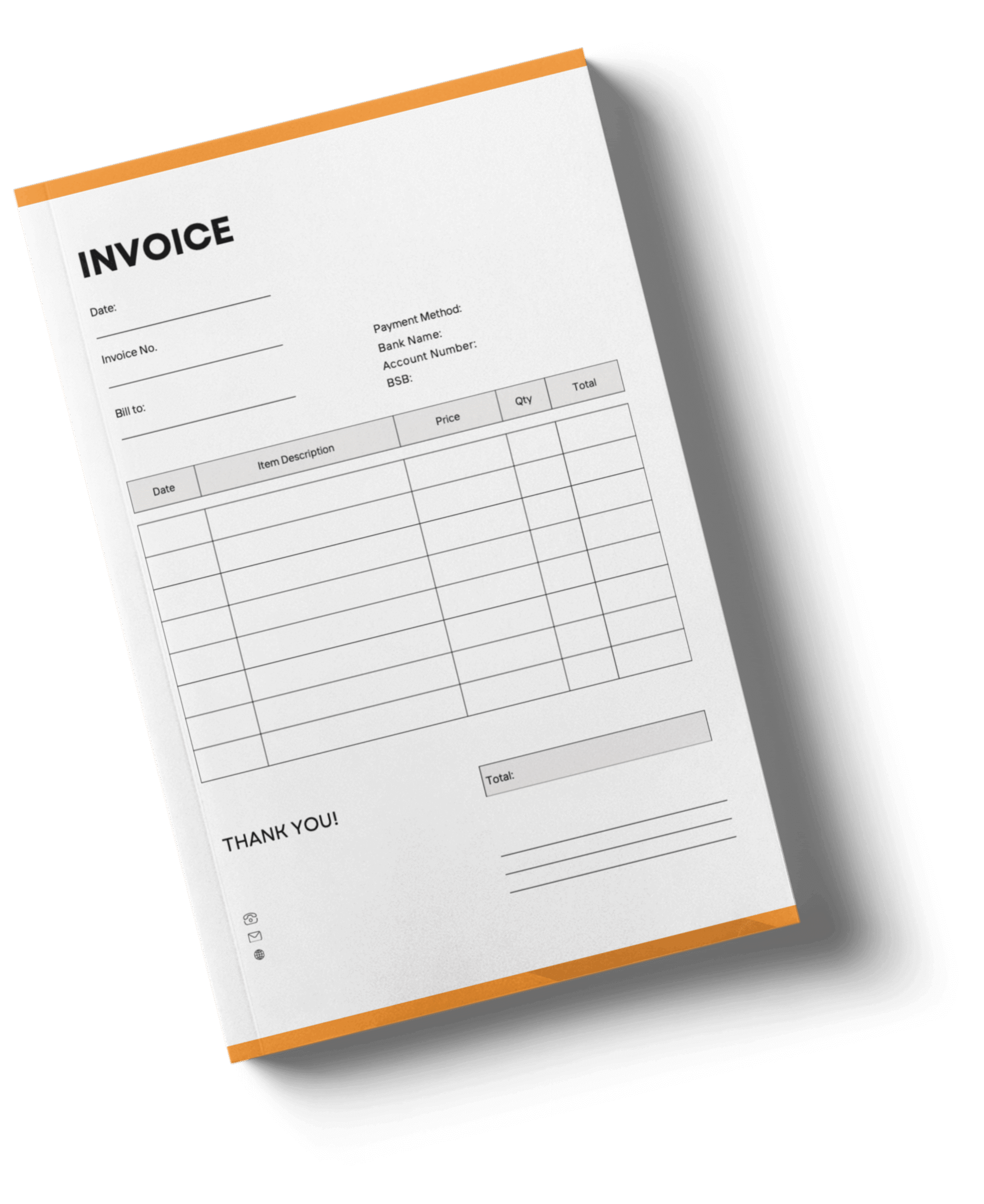
This guide includes a free invoice template available in two formats.
The editable Canva template allows you to add your business name, logo, contact details, project information, materials, labour costs, taxes, and payment terms. Once finished, you can export it as a PDF and send it directly to your client.
If you prefer something ready to use immediately, the downloadable PDF invoice template can be printed or filled in digitally for quick billing on-site or from the office.
Both options are ideal for small construction businesses looking to save time while presenting clear invoices.


Free invoice templates are a practical starting point - but as your construction business grows, manual billing can take up valuable time.
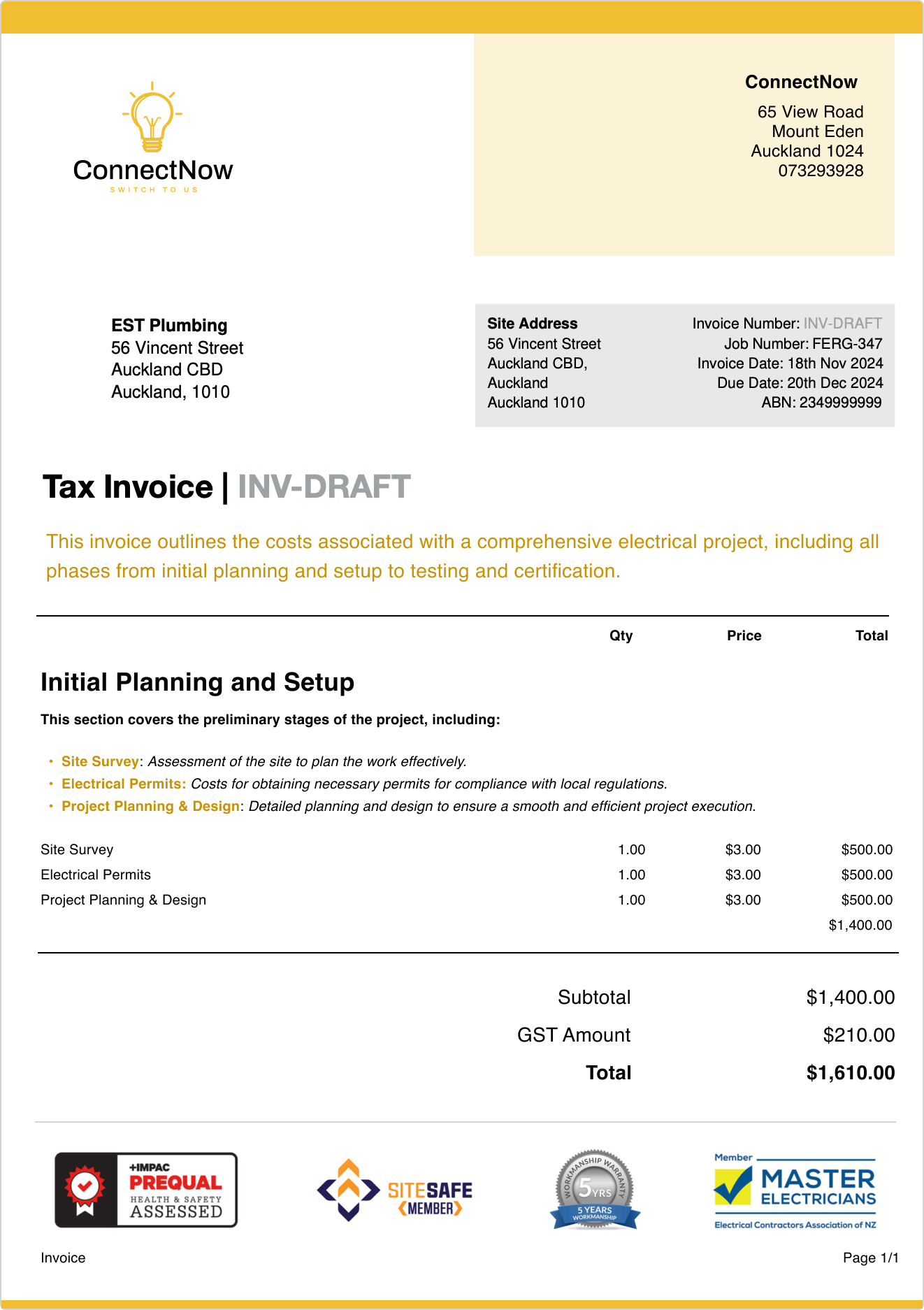
With Fergus, you can generate professional, branded invoices straight from your jobs using the labour, materials, and costs already tracked in the system. Instead of starting from scratch, you can invoice in seconds, add payment links so customers can pay online, and keep everything connected from project to payment. Built-in reminders help you automatically follow up on overdue invoices, while automated totals reduce manual errors and save valuable time.
It’s a smarter way to manage your billing process and improve cash flow without starting from scratch each time.
A builder invoice template is ideal for contractors, construction companies, and small businesses that need a reliable way to bill clients for completed work. It works well for renovations, new builds, subcontractor services, and staged construction projects.
The free invoice template includes space for your business details, client information, project name, job site address, and a breakdown of services provided. You can itemise materials, labour costs, quantities, pricing, taxes, and the total amount owed, along with payment terms and due dates.
The Canva invoice template is fully editable in your browser. You can customise the layout, adjust pricing fields, insert your logo, and apply brand colours before exporting it as a PDF. The PDF version is a blank construction invoice that’s ready to download, print, or fill in digitally for faster billing.
A professional invoice should clearly display your company name, contact details, and client information, along with the project reference and job site address. It should outline services provided, list materials and labour separately, and calculate subtotal, taxes, and final totals. Clear payment information and due dates help avoid confusion and speed up payment.
Builders typically send invoices once a project milestone is complete or services have been delivered. For larger projects, staged billing may be appropriate. Sending invoices promptly after work is completed helps maintain steady cash flow.
Yes. The Canva template is a customisable invoice template that allows you to insert your company logo, adjust your brand colours, and modify the layout to reflect your professional image. In just a few clicks, you can create a polished custom invoice, save your customised version, and reuse it for future projects.
To get paid faster, make sure your invoice clearly shows the total amount owed, includes straightforward payment terms, and outlines accepted payment methods. Clear billing details reduce back-and-forth and help clients pay on time.
Every invoice should include an invoice number, issue date, payment due date, contractor and client contact details, and a clear breakdown of pricing. Accurate billing details help keep accounts organised and minimise disputes.
An invoice template works well for occasional billing or smaller projects. However, as your construction business grows, invoicing software can help streamline your billing process, track payments, and reduce manual admin.
Free invoice templates are a great starting point, but as your construction business grows, managing invoices alongside jobs becomes more important.
With Fergus job management software, you can create and send professional invoices directly from your jobs, track payments, and keep everything in one place, without juggling spreadsheets or paperwork.
Start a free trial. No credit card required.